Kup stronę 60% Taniej
BLACK MONTH
BLACK MONTH
Do końca 2 DNI : 2 GODZIN : 2 MINUT : 2 SEKUND

Categories.

WebWave drag and drop website builder lets you create unique websites. You can build your website from scratch by starting with a blank page, or choose various website templates from our free collection and modify them according to your needs. With WebWave website builder, you have a complete website design and hosting system at your fingertips.
This website was created with WebWave.
Find us online
Contact.
Email us at:
contact@webwave.me
Or use the chat (Mon-Fri)
Website builder.
Offer.
Useful articles.
15 January 2019
How to extend the domain validity at new Business panel
If your domain registered in WebWave website builder expires - you can easily extend its validity to even 10 years.
- Sign in to Business panel.
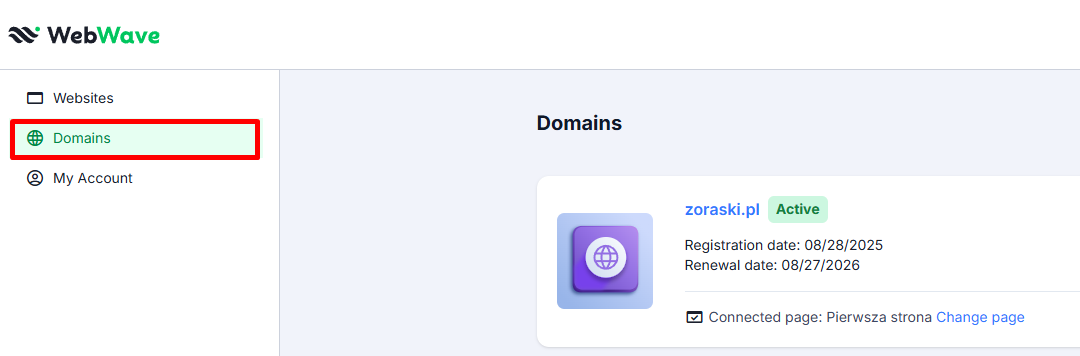
- On the left side of the panel exdepand card "Domains".
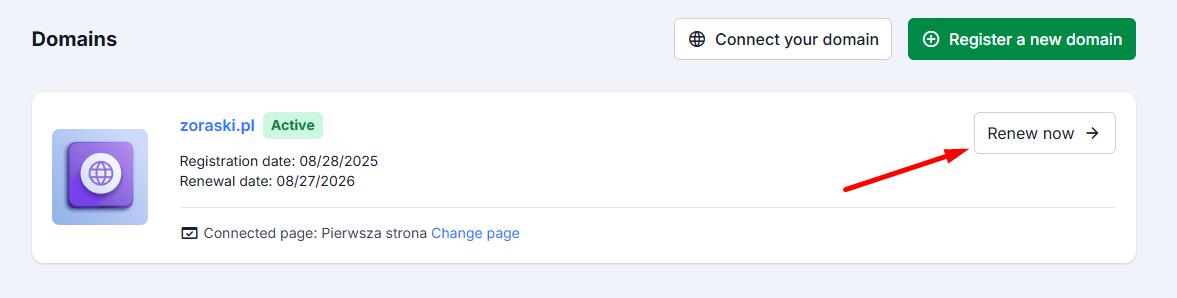
- Select a domain which validity period you'd like to extend.
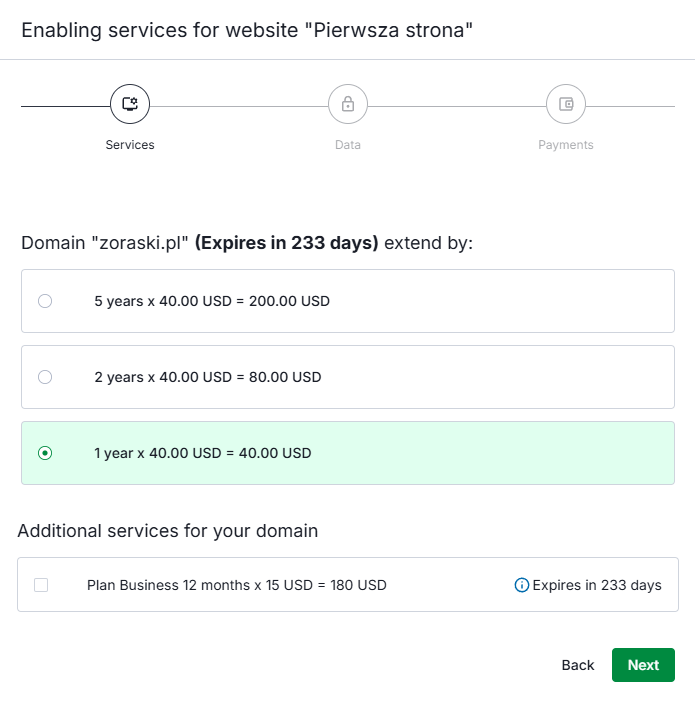
- In the new window, select the period for which you want to extend the domain, then press "Next".
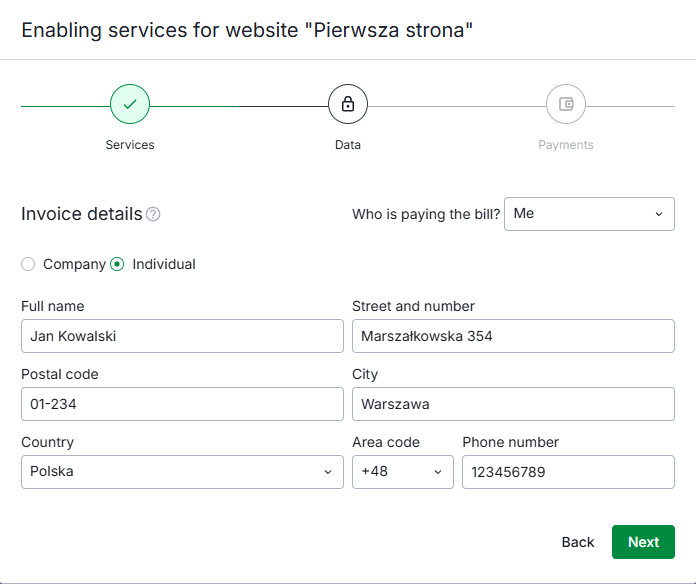
- Enter your details in the form, then click "Next".
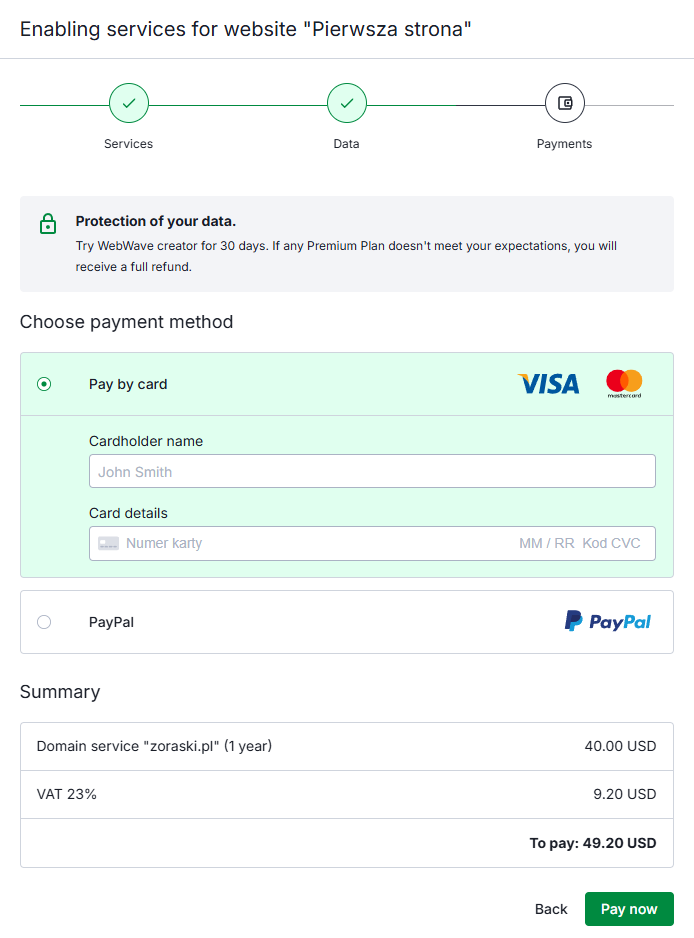
- The last step is to complete the payment details and click "Pay now".
- After making a payment the validity period of your domain will be extended.